Settings
Settings hold your company details and the defaults that save you typing on every package and quotation. Set them up once, before you send anything to customers.
Open Administration → Settings, make your changes and click Save settings.
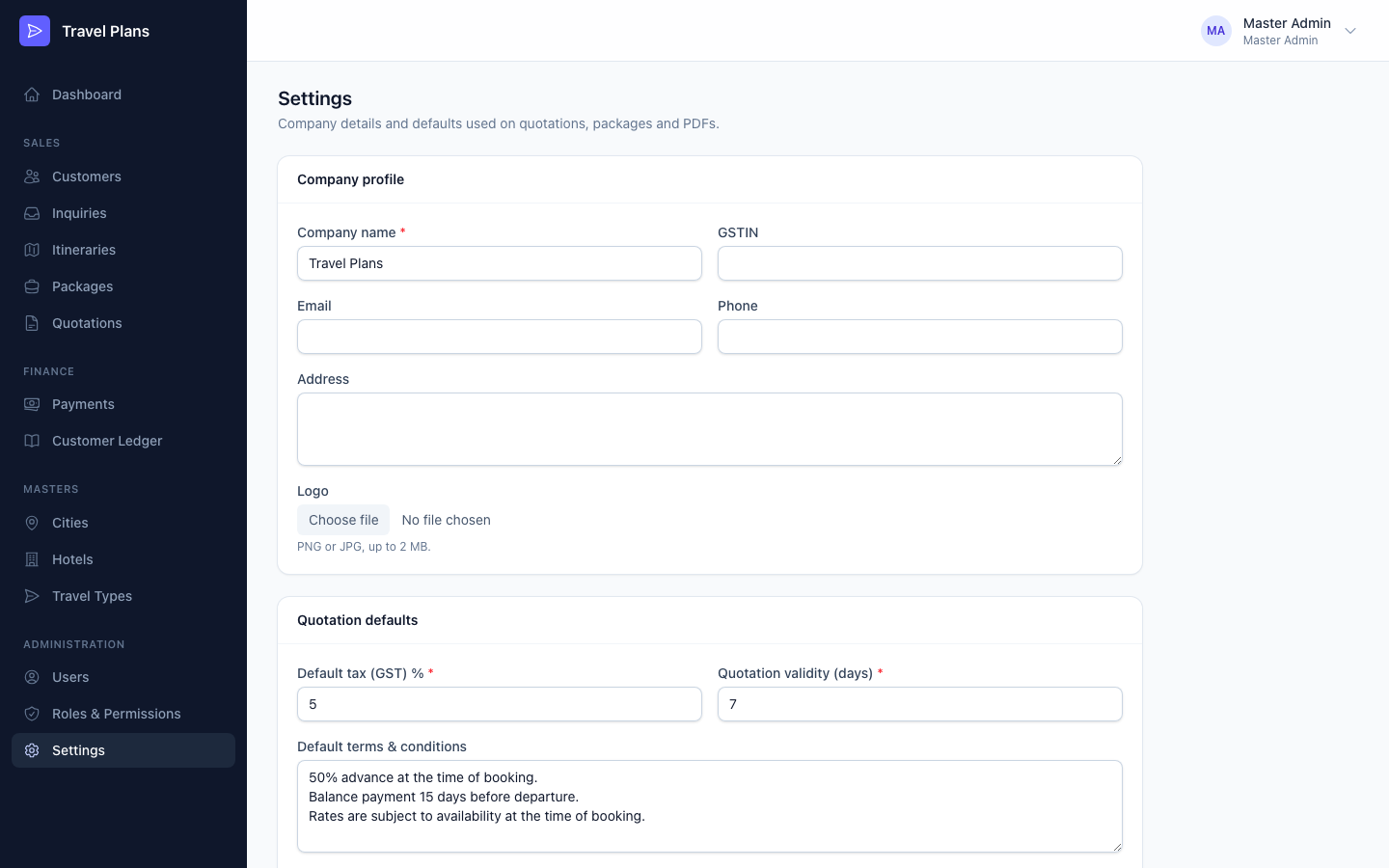
Company profile
| Field | Where it appears |
|---|---|
| Company name (required) | The sidebar, the sign-in screen, and the header and footer of every PDF |
| GSTIN | The header of every PDF |
| Email, Phone, Address | The header of every PDF |
| Logo | The top of the sidebar. Use a PNG or JPG of up to 2 MB. |
"Every PDF" means itineraries, quotations (including the shared link) and payment receipts.
Quotation defaults
| Field | Used for |
|---|---|
| Default tax (GST) % | The GST on each new quotation. 5% to start. |
| Quotation validity (days) | Sets Valid until on new quotations to today plus this many days. 7 to start. |
| Default terms & conditions | Filled in on each new package |
| Default included services | Filled in on each new package |
| Default excluded services | Filled in on each new package |
Changing a default only affects packages and quotations you create after the change. Existing ones keep their values.
Amounts are always shown in Indian Rupees (₹).
Users with view-only access to Settings see the page but can't change it.