Finding your way around
The sidebar
All modules are in the sidebar on the left, grouped by the work they cover:
| Group | Modules |
|---|---|
| — | Dashboard |
| Sales | Customers, Inquiries, Itineraries, Packages, Quotations |
| Finance | Payments, Customer Ledger |
| Masters | Cities, Hotels, Travel Types |
| Administration | Users, Roles & Permissions, Settings |
You only see the modules your role allows. If something is missing, ask your administrator. See Roles & Permissions.
On a phone, tap the menu button at the top left to open the sidebar.
Lists
Every module opens with a list. Lists work the same way everywhere:
- Search box at the top, plus filters such as status or date where useful.
- Click a column heading to sort by it. Click again to reverse the order.
- Icons on each row: eye to view, pencil to edit, trash to delete.
- 15 rows per page, with page links at the bottom.
Messages
After you save, a message appears at the bottom right:
- Green: it worked.
- Red: something stopped it. The message says why and what to do instead, for example "This city is used by hotels or itineraries. Mark it inactive instead."
Confirmations
Before deleting or making a big change, the system asks you to confirm. Deleting can't be undone.
Your profile
Click your name at the top right, then My profile. There you can:
- update your name, phone and email, then click Save details
- change your password: enter the current one, then the new one twice, and click Update password
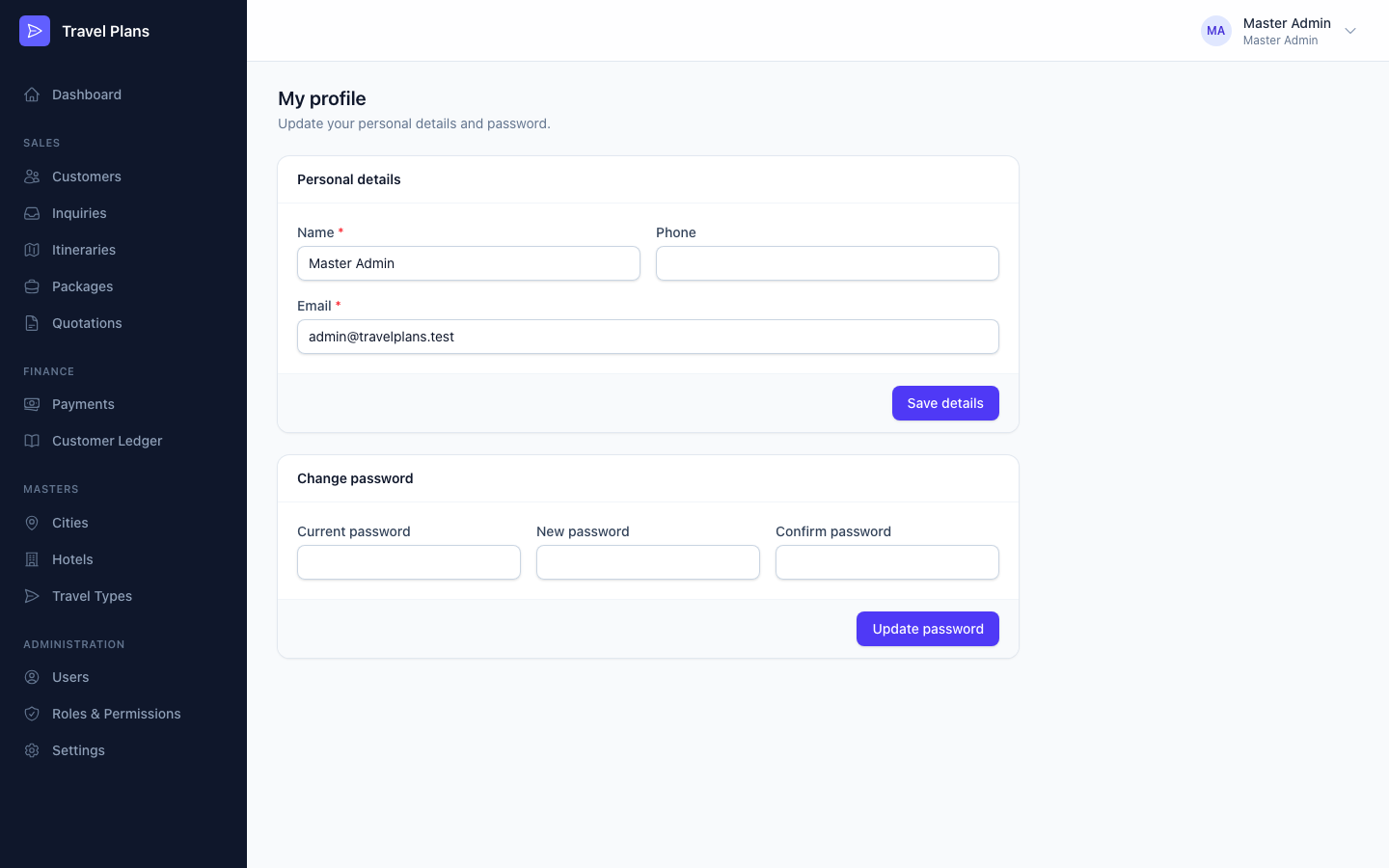
Only an administrator can change your role or switch your account off.