Cities
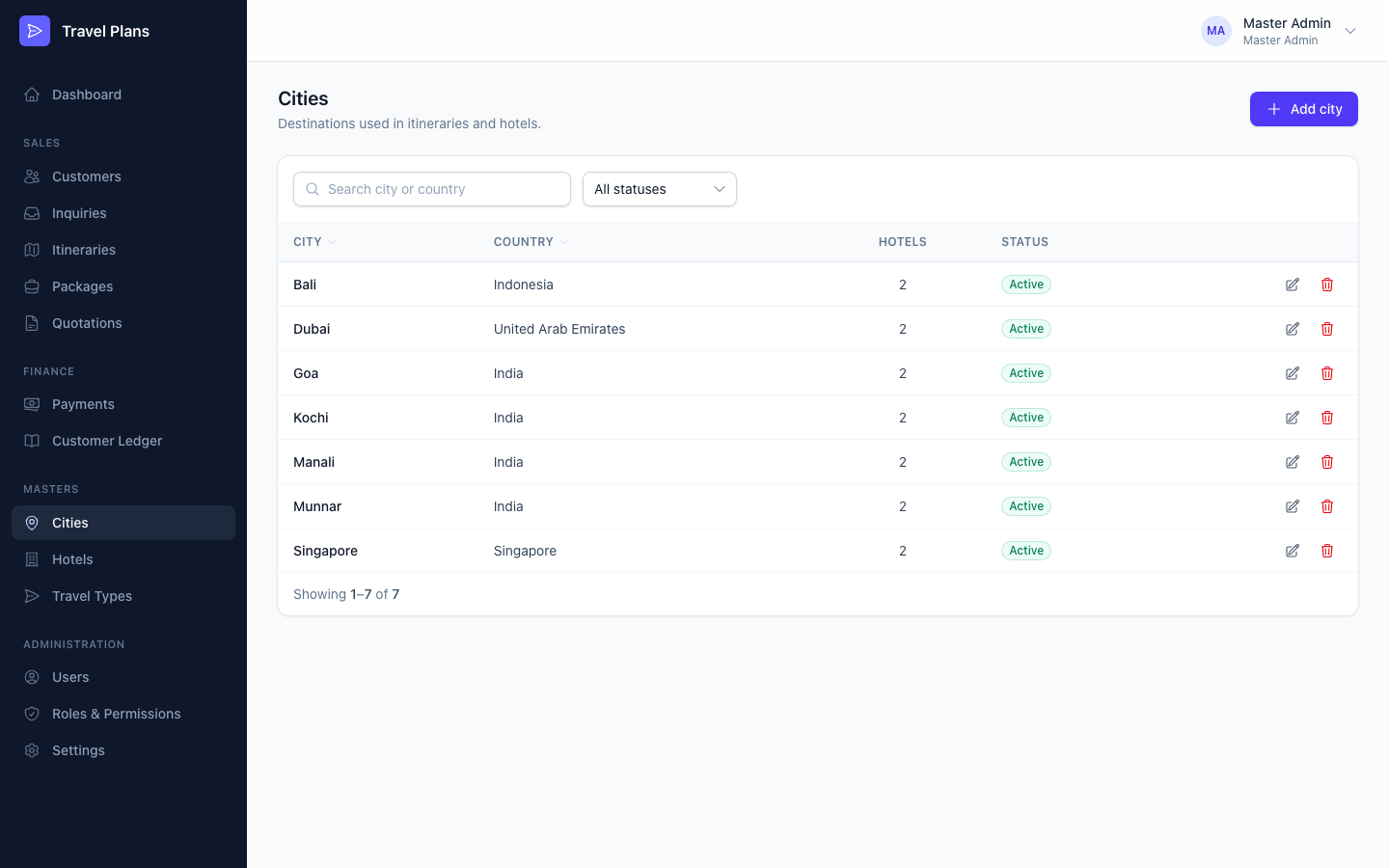
Cities are the destinations you choose when you add hotels and plan itineraries. Set them up before you add hotels.
Open Masters → Cities in the sidebar.
Add or edit a city
Click Add city, or click the pencil icon on a row. Fill in the form in the window that opens, then click Save.
| Field | Required | Notes |
|---|---|---|
| City name | Yes | Must be unique within its country. The same name can exist in two countries. |
| Country | Yes | |
| Description | No | |
| Active | — | On by default. Inactive cities are hidden from the city lists on other forms. |
Find a city
Search by city or country, or filter by Active or Inactive. Click a column heading to sort.
Delete a city
Click the trash icon and confirm.
You can't delete a city that a hotel or itinerary uses. Edit the city and switch Active off instead. It stays on old records but can no longer be chosen for new ones.