Hotels
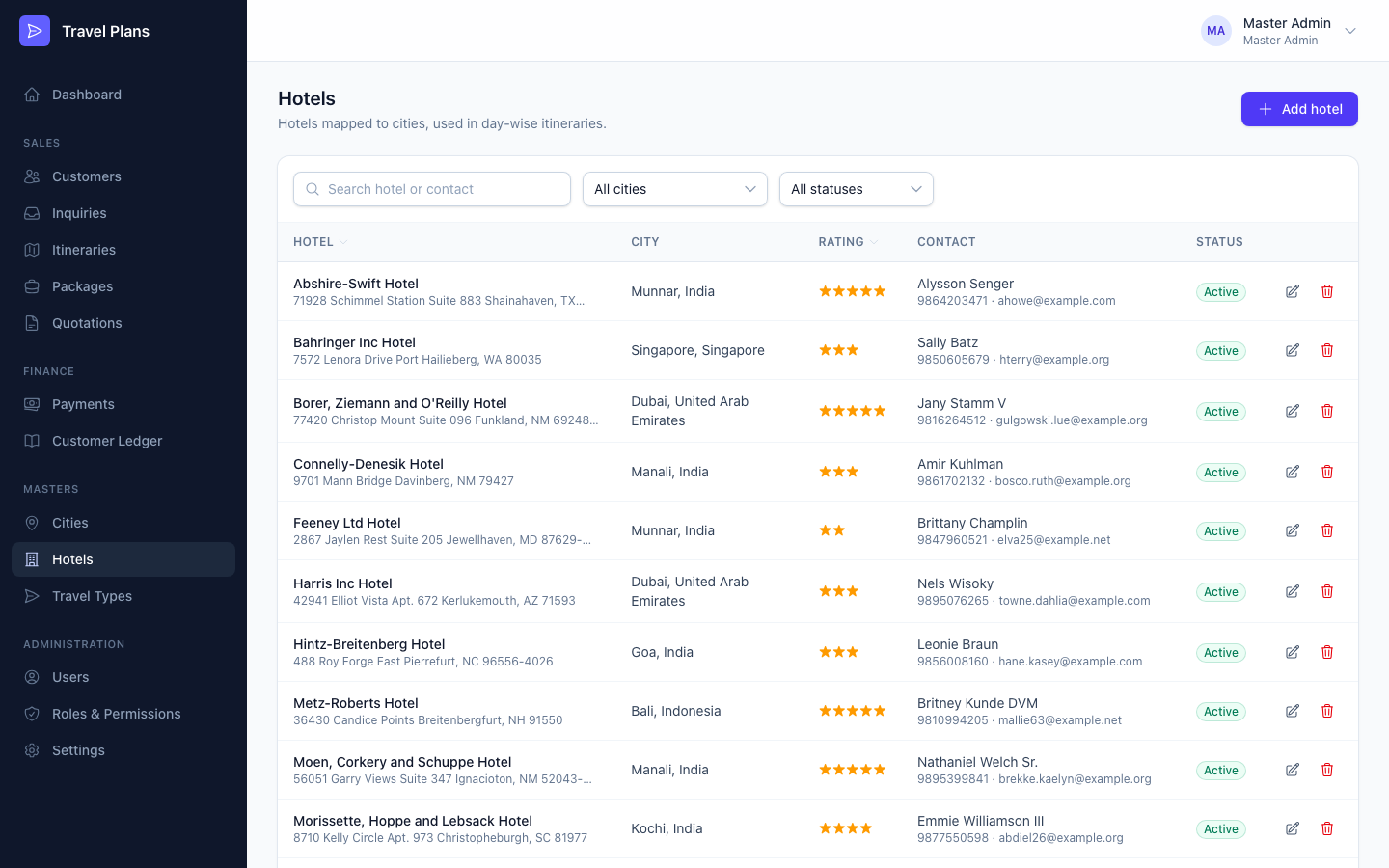
Every hotel belongs to a city. When you plan an itinerary, you pick the stay for each day from this list.
Open Masters → Hotels in the sidebar.
Add or edit a hotel
Click Add hotel, or click the pencil icon on a row. Fill in the form, then click Save.
| Field | Required | Notes |
|---|---|---|
| Hotel name | Yes | |
| City | Yes | Only active cities are listed. Add the city first under Cities. |
| Star rating | No | 1 to 7 stars. |
| Address | No | |
| Contact person | No | |
| Contact number | No | |
| No | Must be a valid email address. | |
| Notes | No | For example, check-in times or rates you agreed. |
| Active | — | On by default. Inactive hotels can't be chosen in itineraries. |
Find a hotel
Search by hotel name, contact person, phone or email. Filter by city or status. Click a column heading to sort.
Delete a hotel
Click the trash icon and confirm.
You can't delete a hotel that an itinerary uses. Edit the hotel and switch Active off instead.