Travel Types
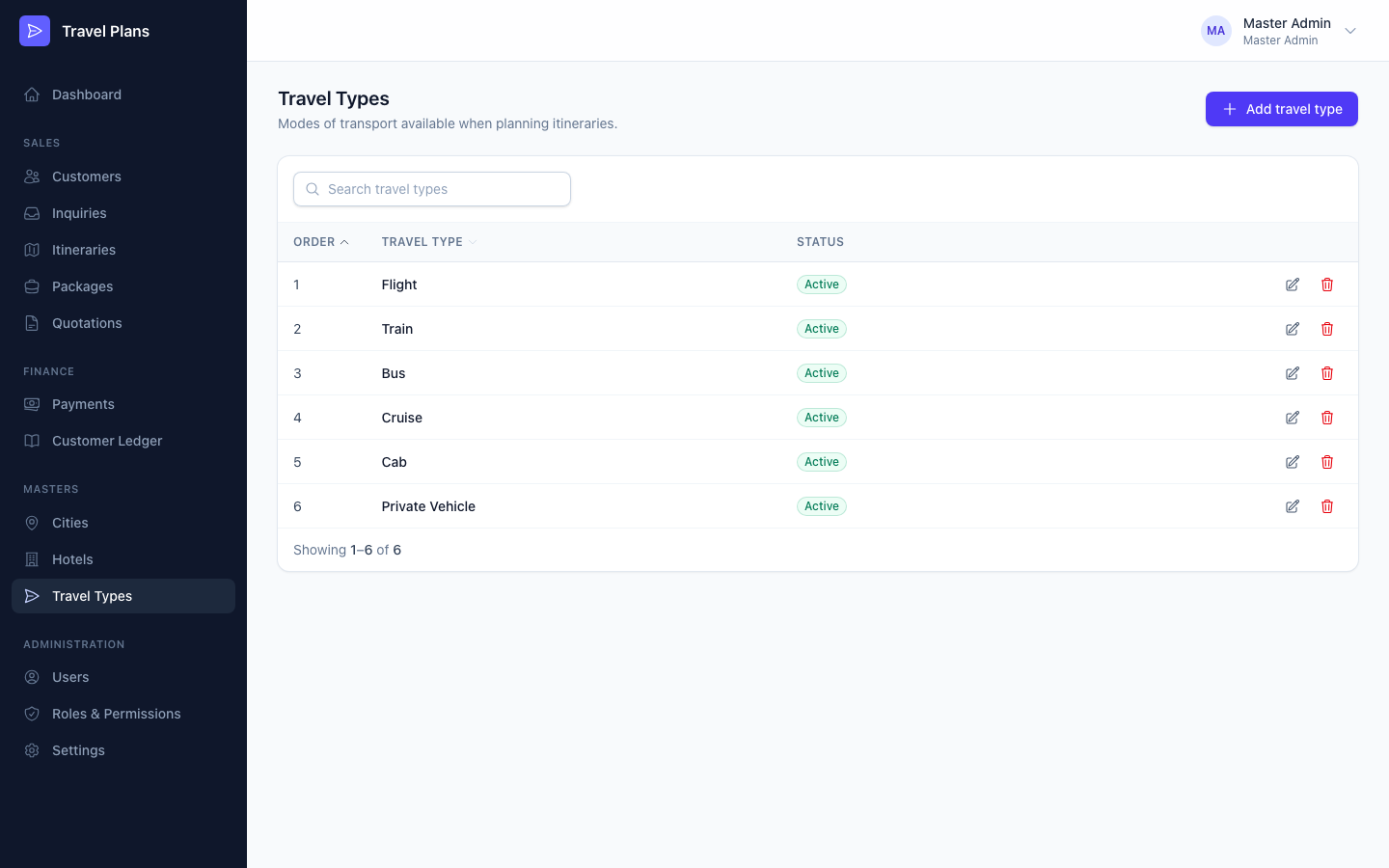
Travel types are the ways your customers get around: Flight, Train, Bus, Cruise, Cab, Private Vehicle and any others you add. You choose them for transport when you plan an itinerary.
Open Masters → Travel Types in the sidebar.
Add or edit a travel type
Click Add travel type, or click the pencil icon on a row. Then click Save.
| Field | Required | Notes |
|---|---|---|
| Name | Yes | Must be unique. |
| Display order | Yes | A number from 1 to 1000. Lower numbers appear first in dropdowns. New types go to the end of the list. |
| Active | — | On by default. Inactive types can't be chosen in itineraries. |
Delete a travel type
Click the trash icon and confirm.
You can't delete a travel type that an itinerary uses. Edit it and switch Active off instead.