Getting Started
This is a real-time chat application built using Laravel and powered by Pusher for instant messaging between users. Alongside chat, users can also save and manage personal notes.
✨ Features:
- User Requests & Chat Access Users can send/receive friend requests. Once accepted, they can start chatting in real-time.
- Real-Time Messaging (Pusher Integration) Messages are broadcast using the Laravel Pusher package, ensuring instant delivery without page reloads.
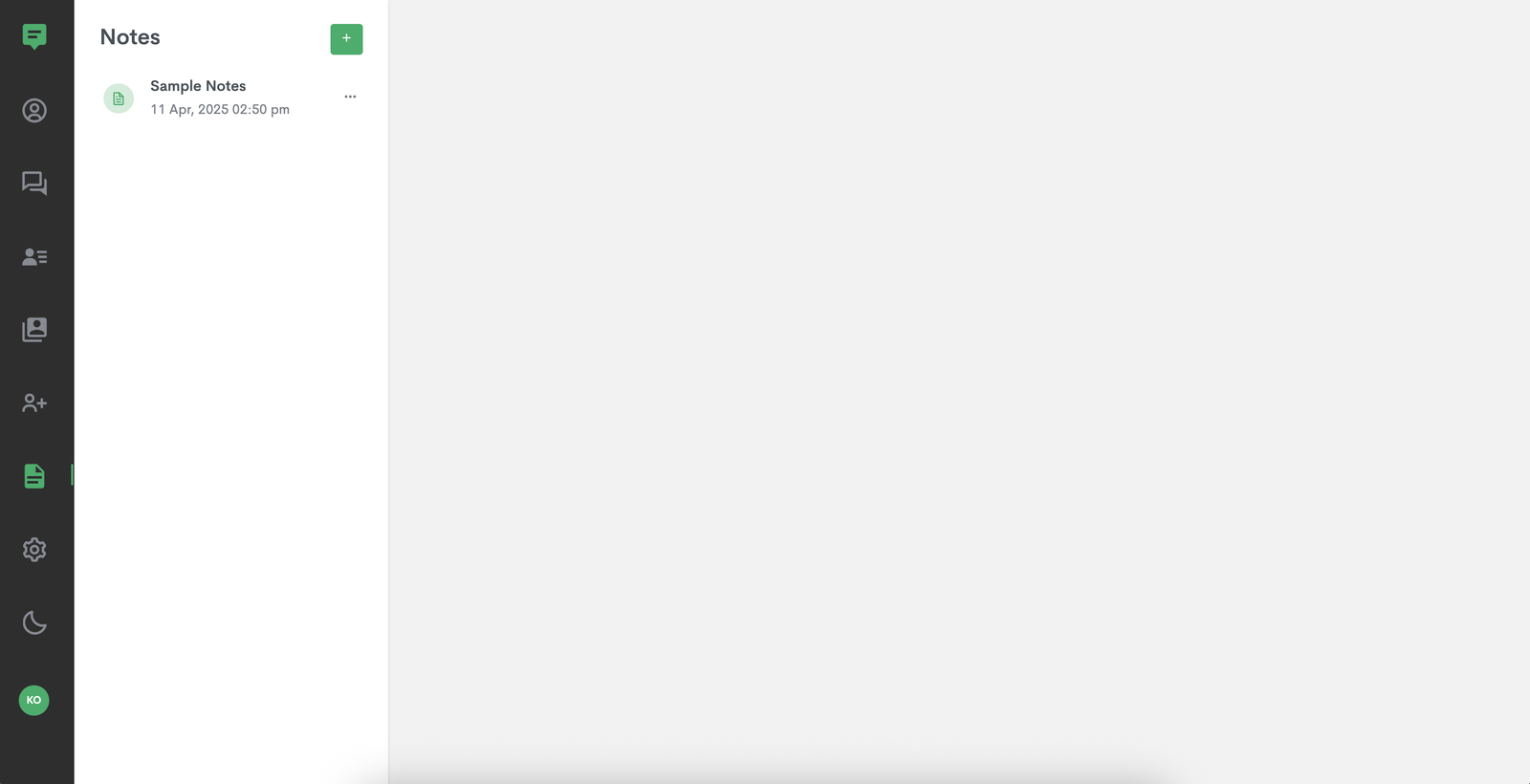
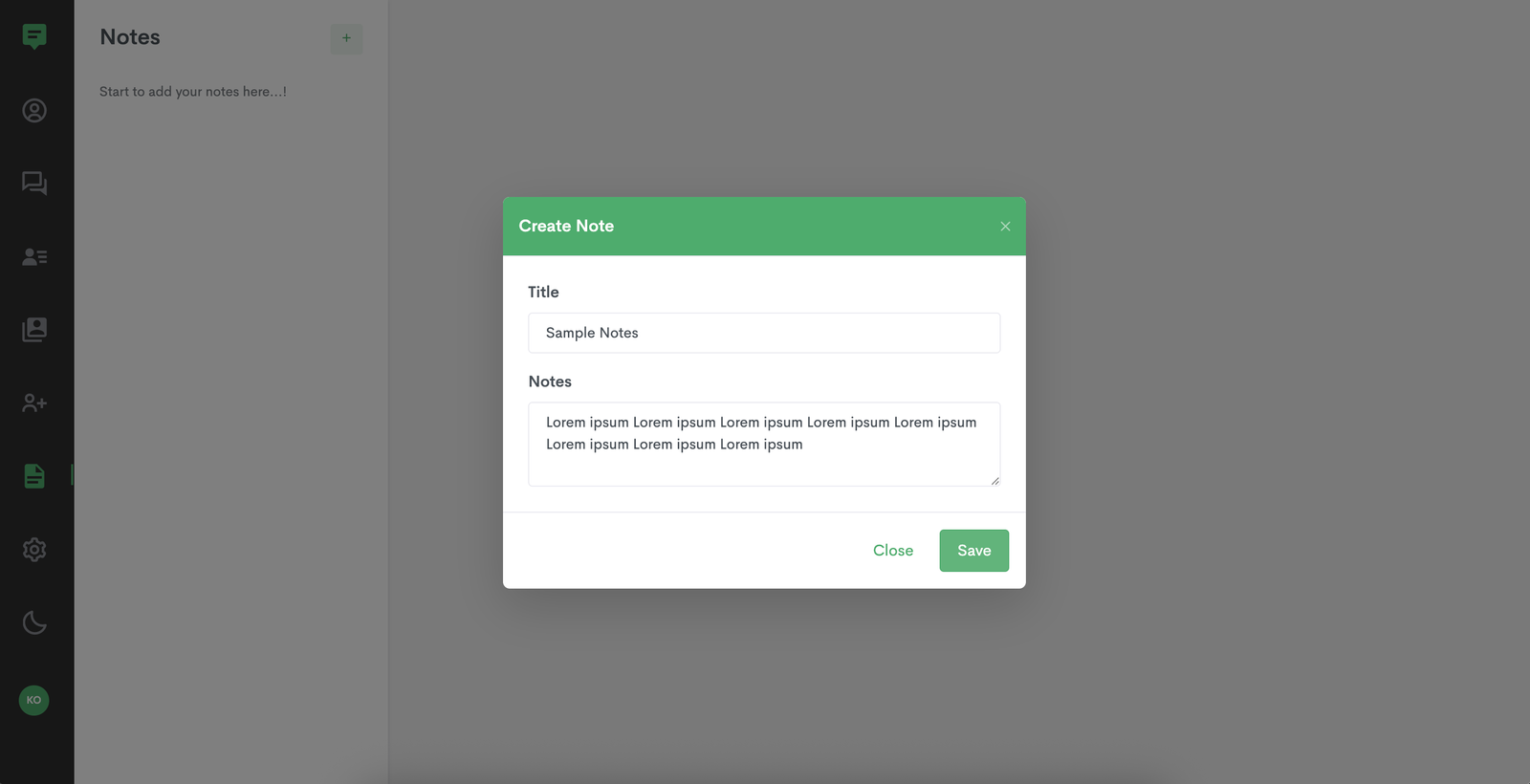
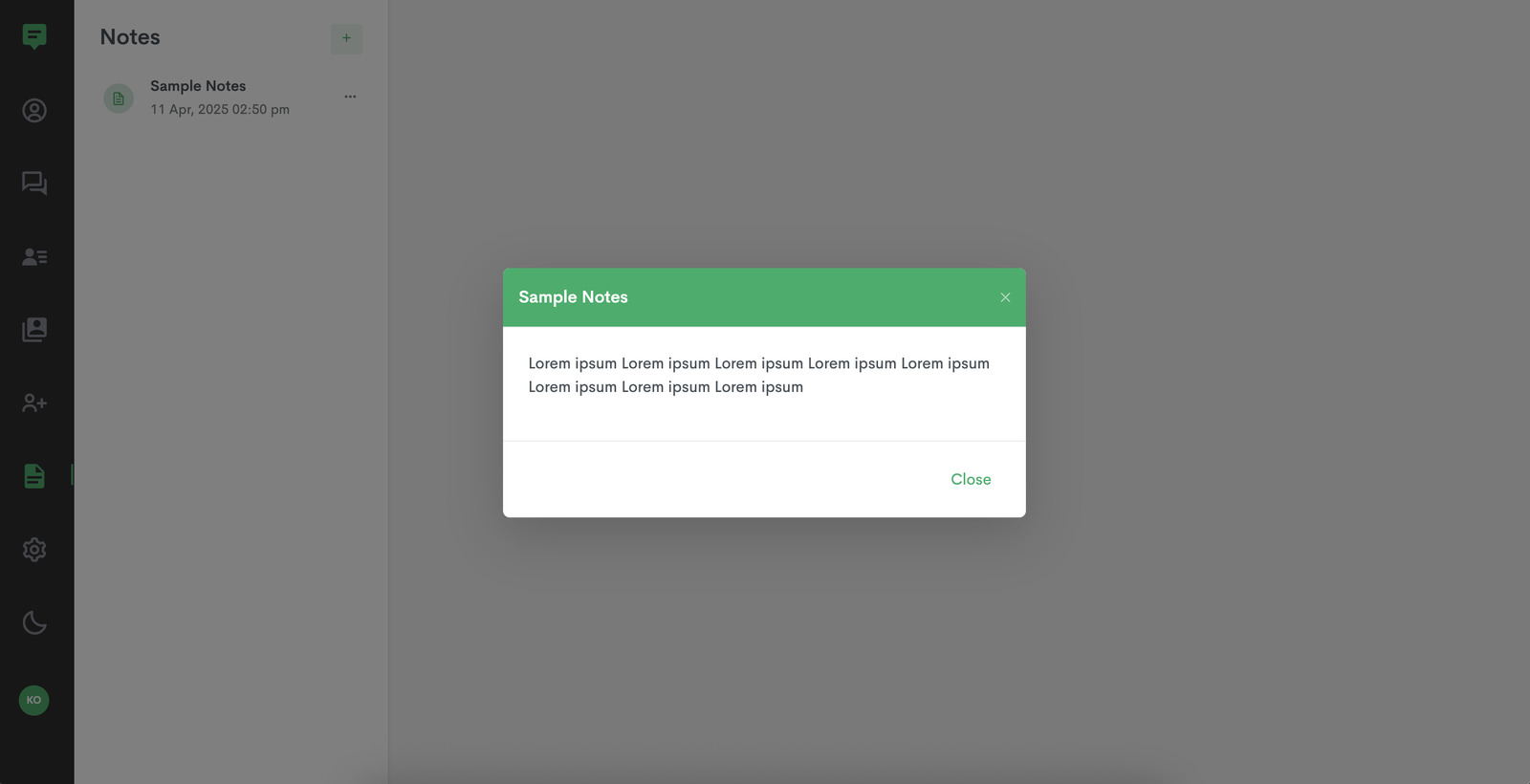
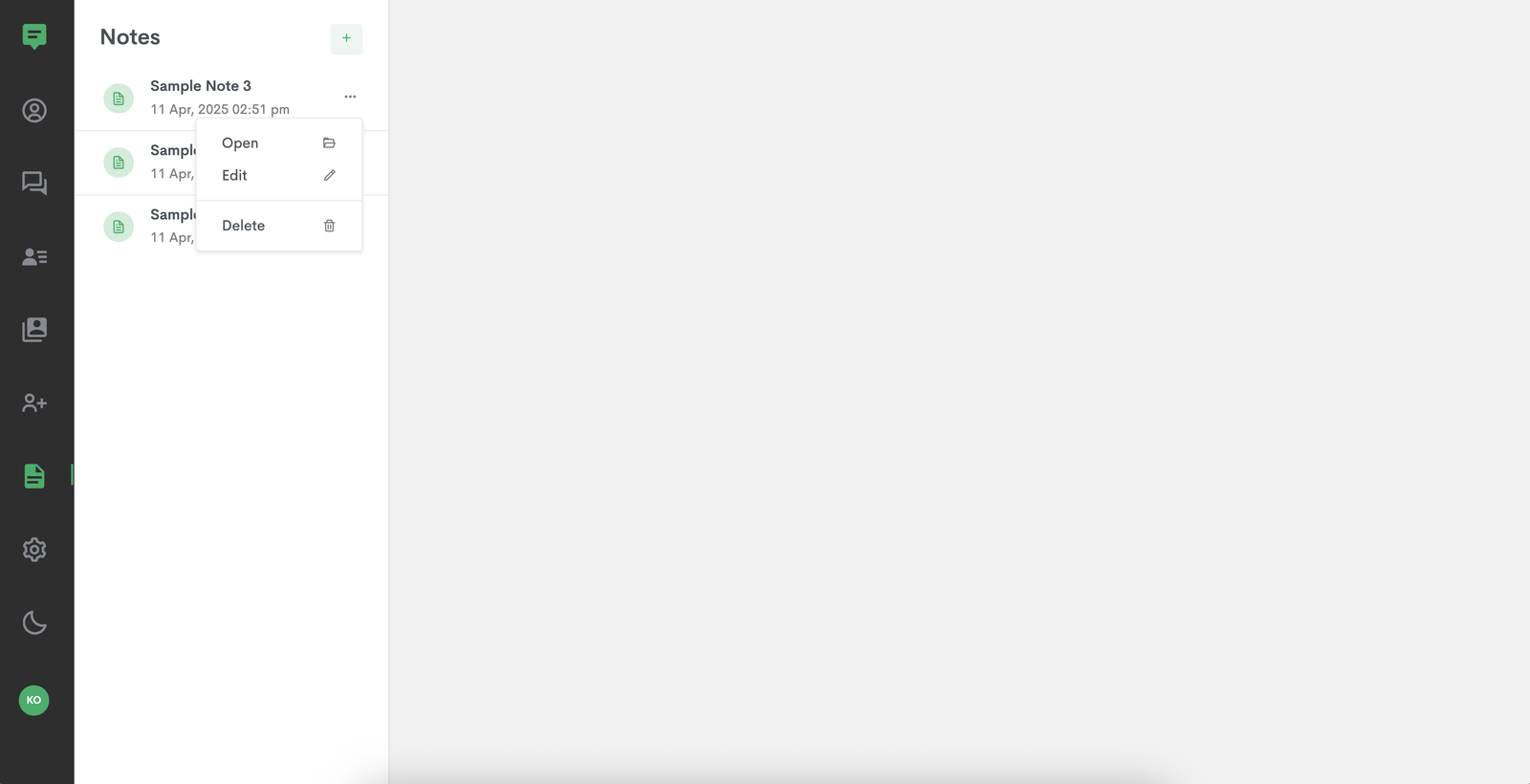
- Notes System Users can create, edit, and manage personal notes directly within the app.
Requirements
PHP Version
ChatApp minimum required PHP version: >= 8.0.
MySQL Version
ChatApp MySQL version : >= 5.7
Recommended MySQL version >= 8.3
Required Extension
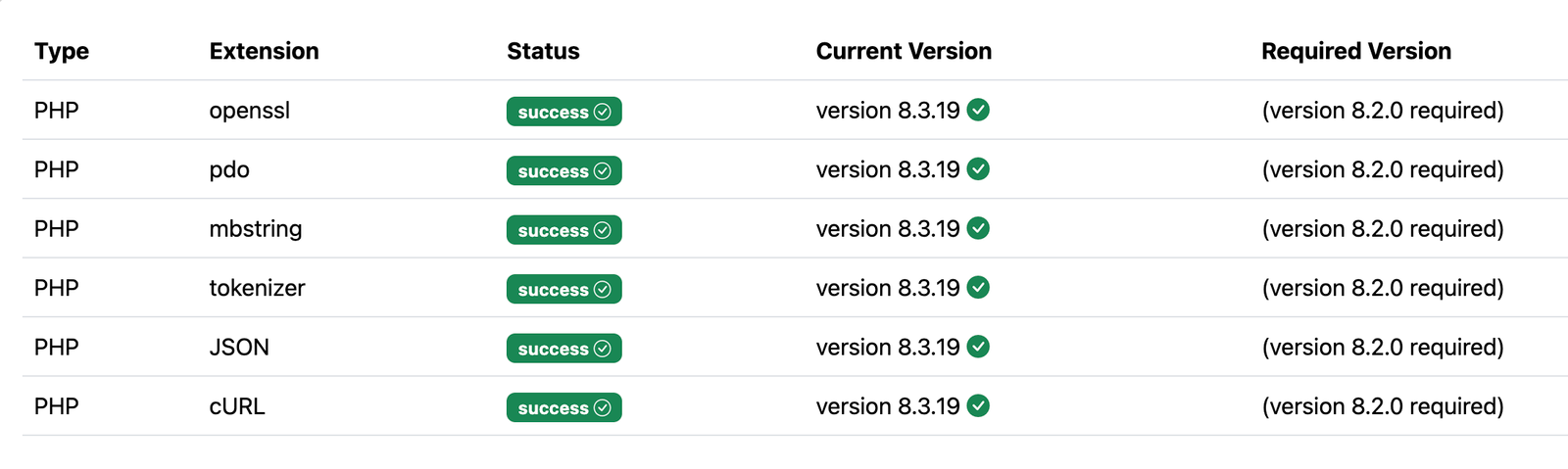
Memory Limit
ChatApp requires at least 128 MB PHP memory limit.
Browser Support
- Google Chrome
- Safari
- Microsoft Edge
- Mozilla Firefox
Domain Name
To install the ChatApp, your server must have a domain name. You won’t be able to access the system using just the server's IP address – it must be accessed through the domain name.
Installation Steps
- unzip the chatapp at server at host destination
- create database and saved host, username and password of database.
-
In zip folder demodb/chat_app.sql
You can import that sql file to the the created database
For that
- Go to phpmyadmin
- Select your database
- Select an import
- Choose your .sql file.
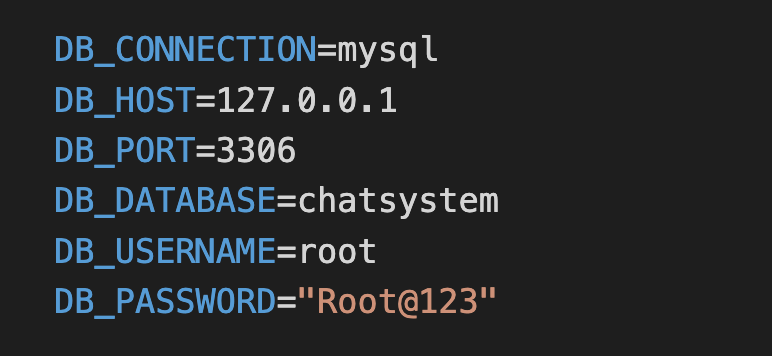
- find .env file at root folder enter hostname, username and password in DB_HOST, DB_USERNAME, DB_PASSWORD
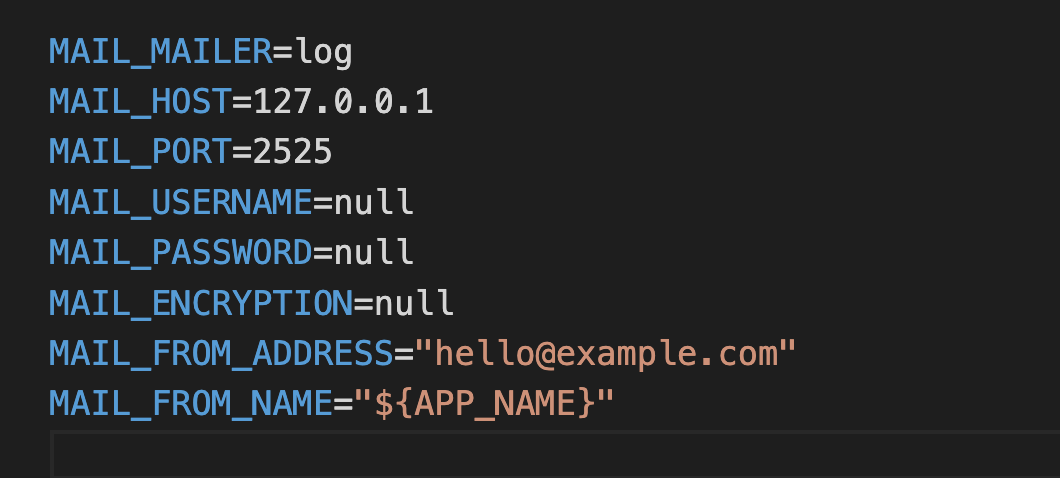
- Mail setup which is in same .env file screenshot given below.
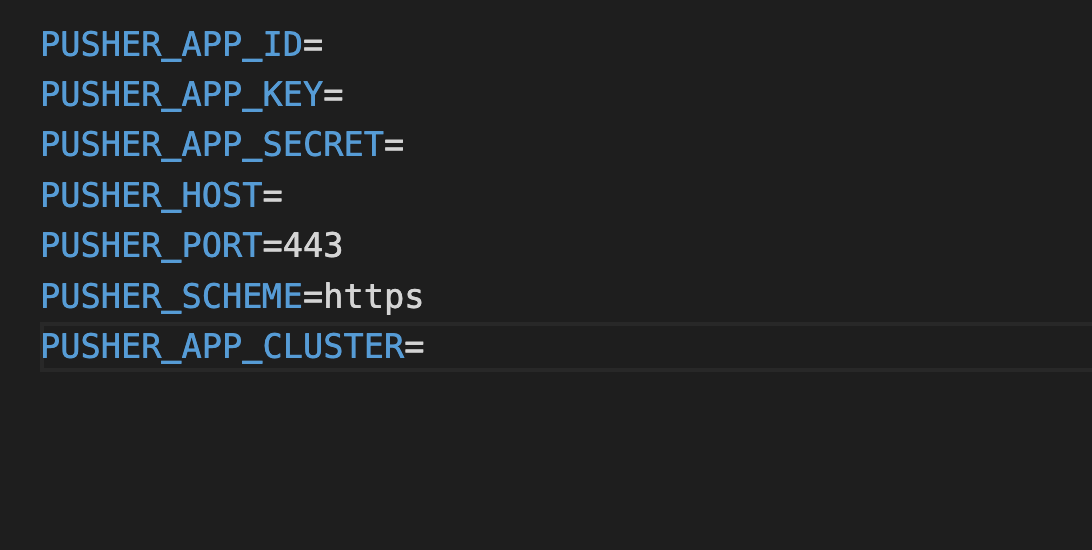
- Pusher setup which is in same .env file screenshot given below. Get Pusher credentials from here https://pusher.com/laravel/
Database Setup
Mail Setup
Pusher Setup
ChatApp Features
Add Contact
Add contacts to users who are registered on ChatApp. They can share an invite with people on their contact list, allowing them to accept the invitation and connect.
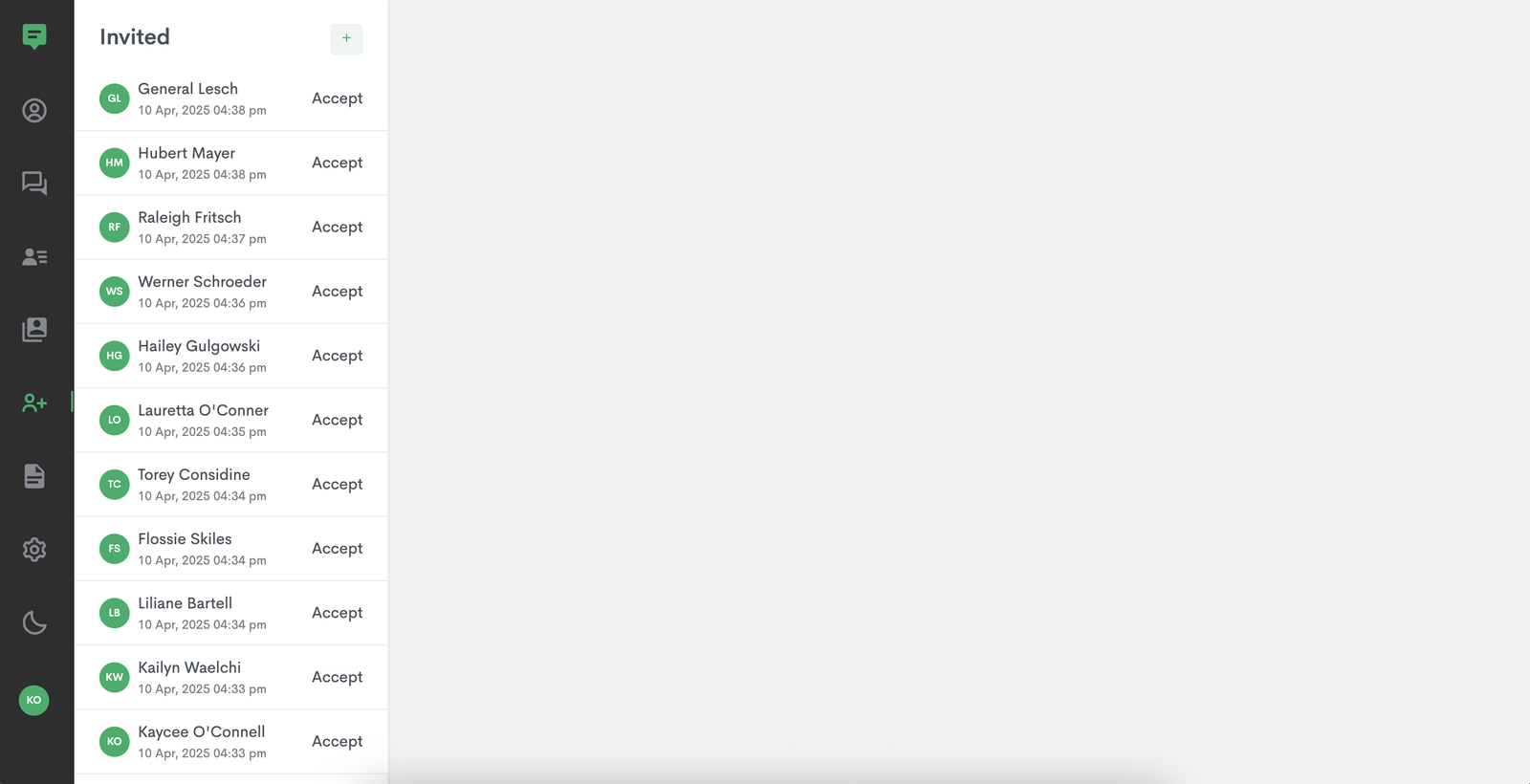
User Request
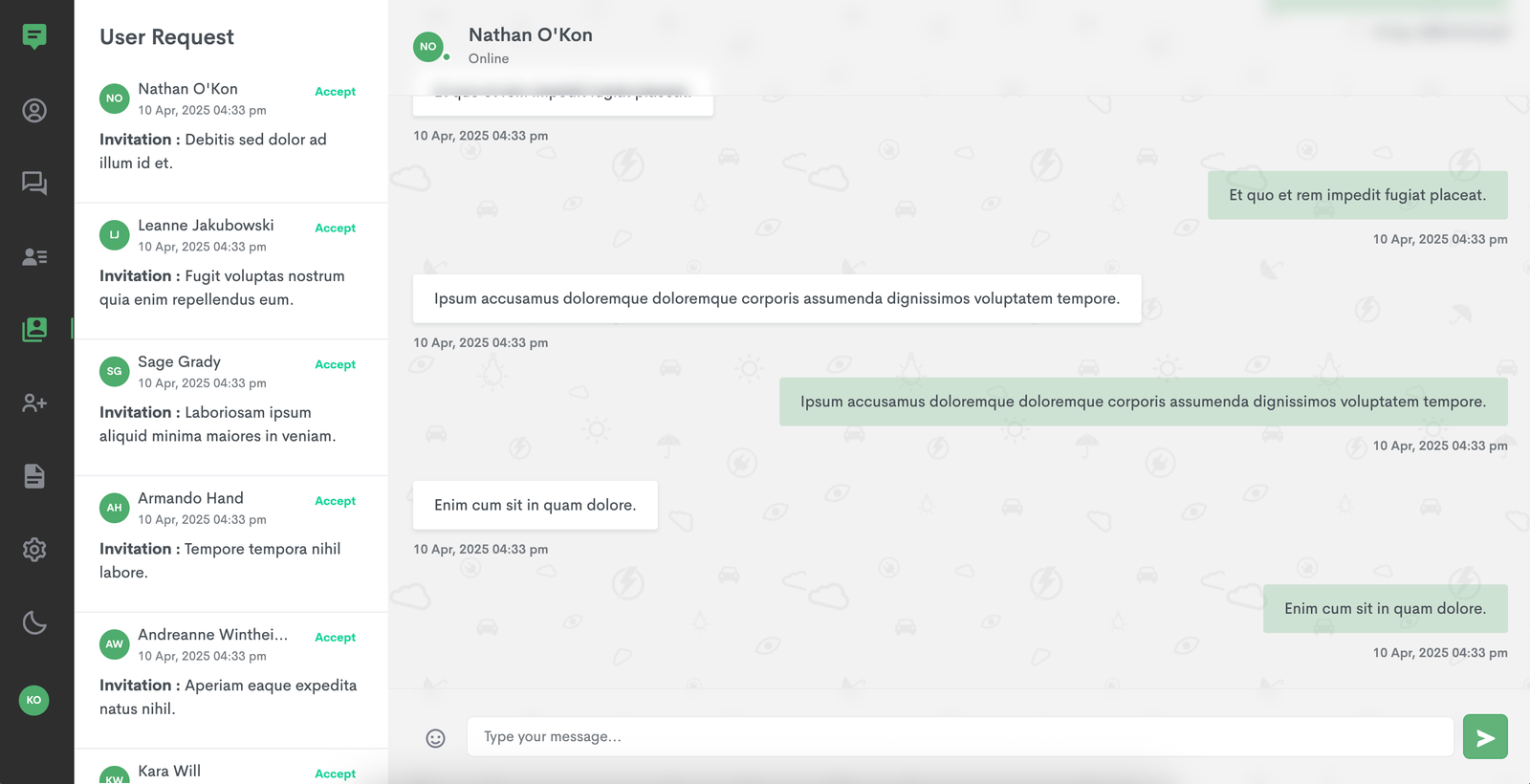
Invite Users
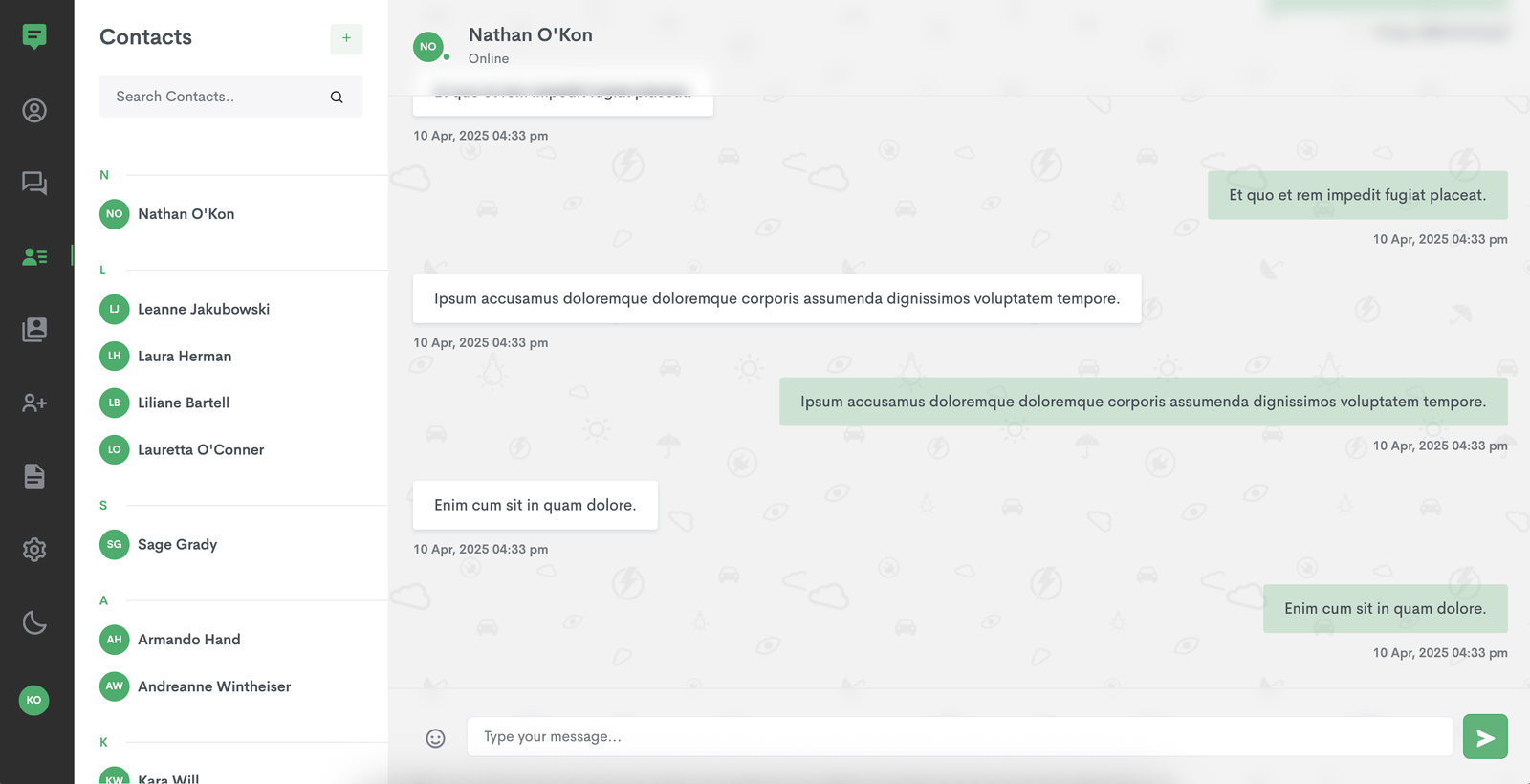
Contacts
Notes
Profile
Settings
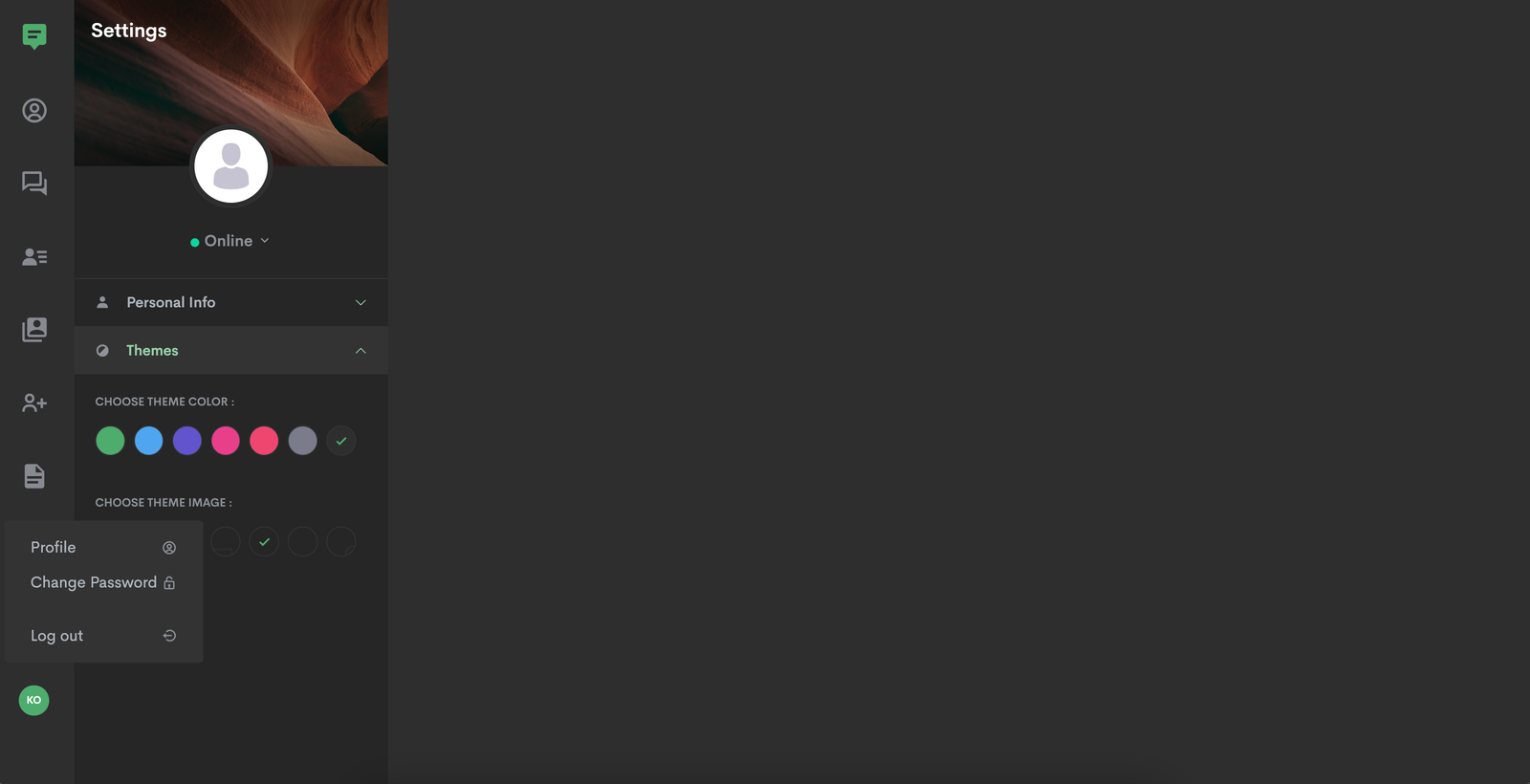
Change Password
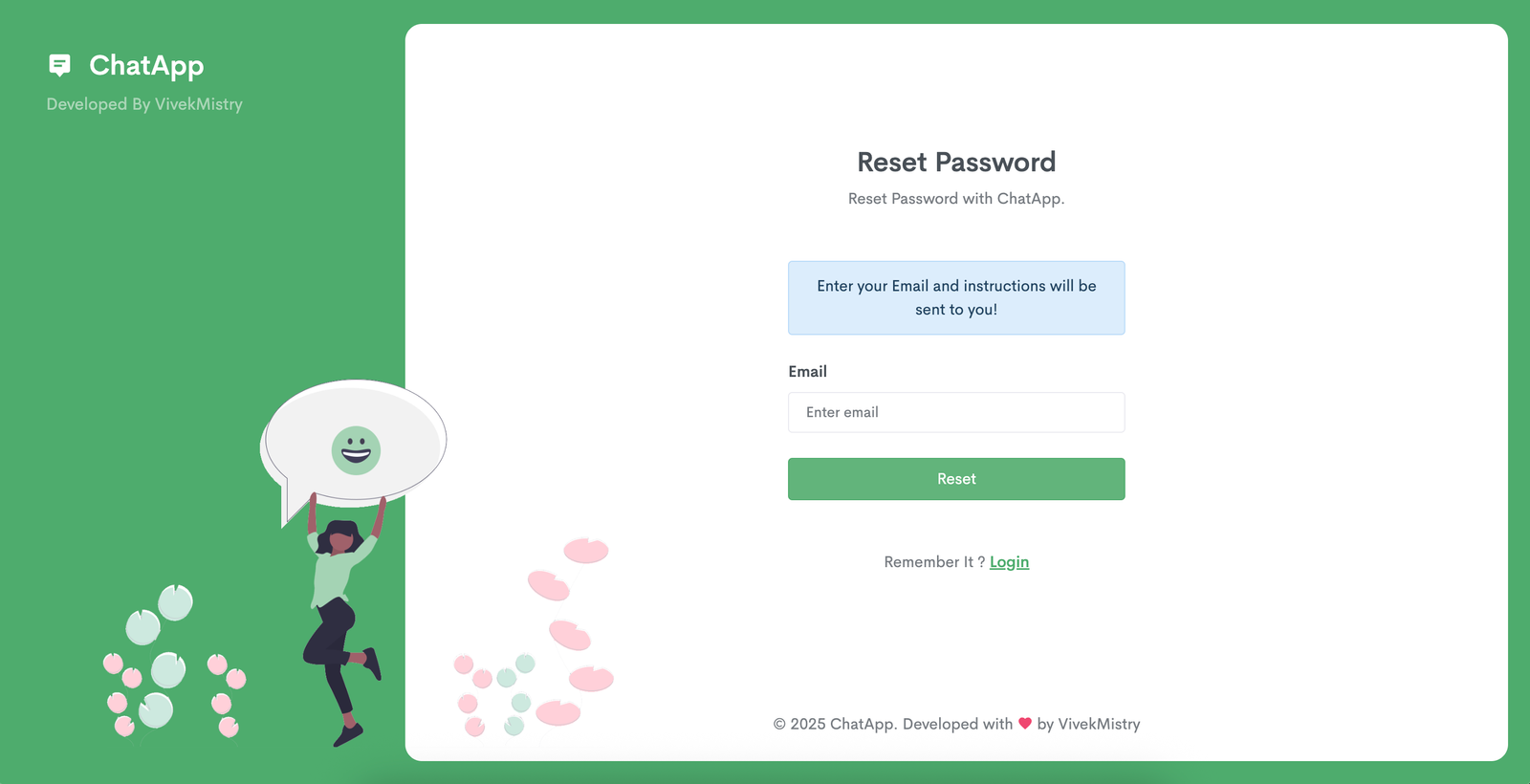
Forget Password
Support
Clients can reach out for assistance, and they will receive real-time support during working hours, from Monday to Wedenesday. The support is available for up to 3 hours each day. Whether it's technical help, guidance on using the platform, or troubleshooting, clients can rely on this dedicated support to keep things running smoothly.
Thank you on behalf of ChatApp for choosing our services. We are committed to providing you with the best support and ensuring a smooth experience with our platform. If you have any questions or need assistance, feel free to reach out to us anytime. We appreciate your trust and look forward to helping you succeed.