Labour Rates
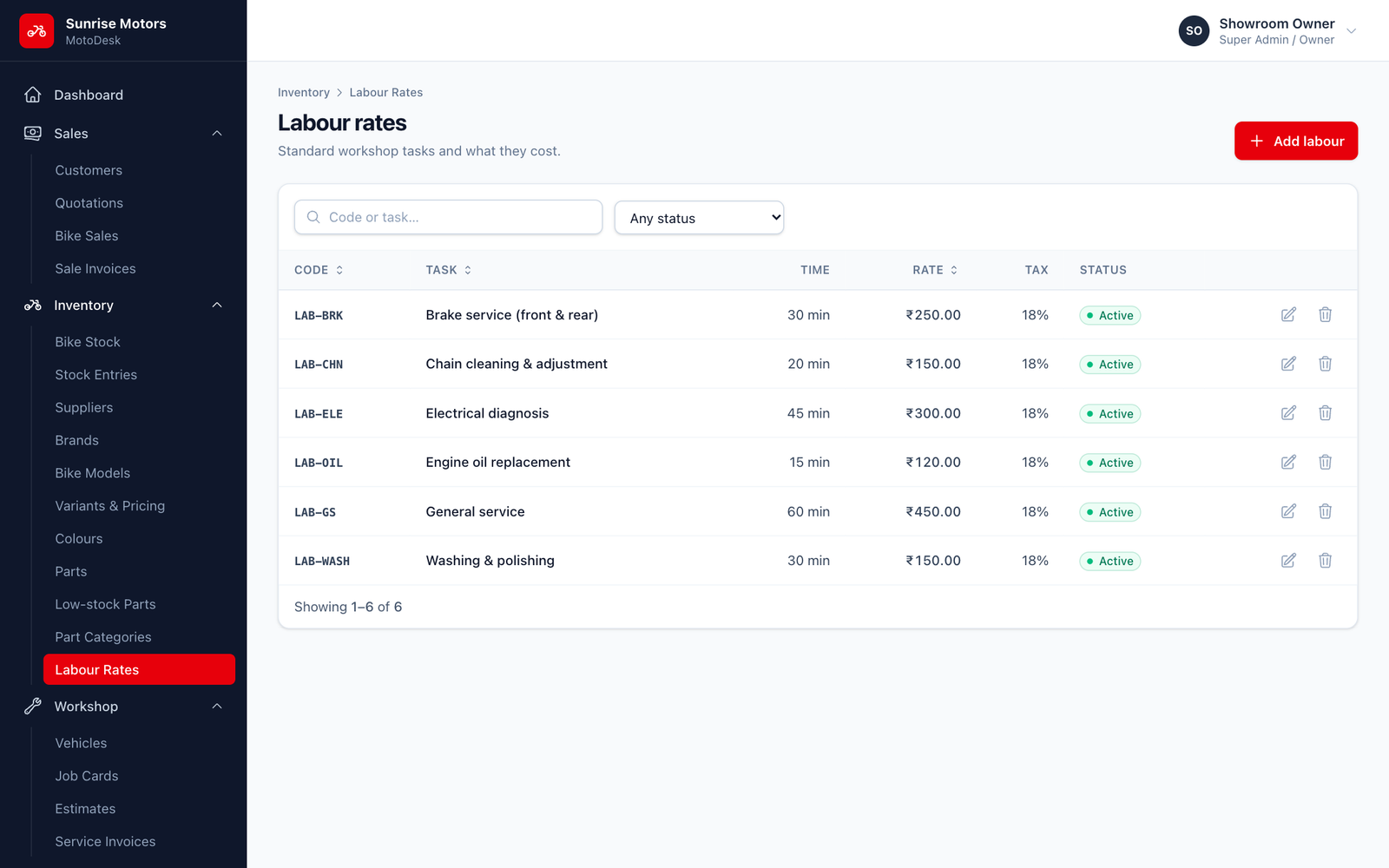
Labour rates are your standard workshop tasks and their charges, for example Engine oil replacement or General service. When you add labour to an estimate or job card, the rate and tax fill in automatically.
Open Inventory › Labour Rates and click Add labour:
| Field | What to enter |
|---|---|
| Code | A short code, for example LAB-OIL. |
| Task | The name of the job, for example Engine oil replacement. |
| Rate | Your charge. |
| Tax rate | The GST slab (labour is usually 18%). |
| Standard time | How long the job normally takes, in minutes. |
| Status | Active or Inactive. |
For one-off work that is not in this list, use Custom labour on the estimate or job card.
Who can use it: view with View parts & labour; change with Manage parts, labour & part stock.