Login Activity
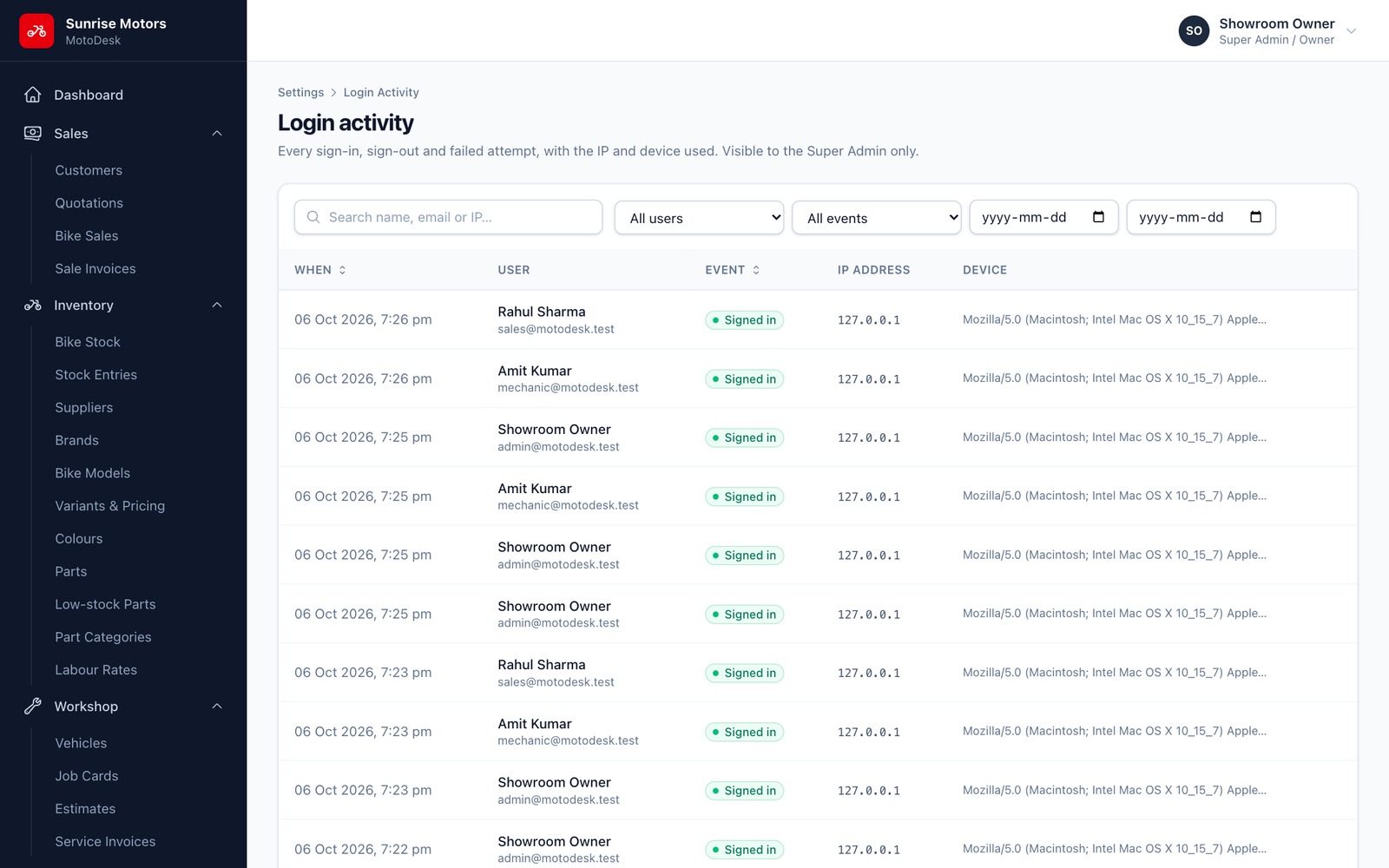
Login Activity records every sign-in and sign-out, including failed attempts. Use it to check who used MotoDesk and when, and to spot attempts to guess passwords.
Login Activity is visible to the Super Admin only.
Open Settings › Login Activity.
| Event | Meaning |
|---|---|
| Signed in | A successful sign-in. |
| Signed out | The user signed out. |
| Wrong password | A sign-in failed because of a wrong email or password. |
| Blocked (inactive) | An inactive user tried to sign in. |
| Locked out | Sign-in was blocked for a short time after too many wrong passwords. |
Each entry shows the user, the time, the IP address and the device / browser used. Filter by Event, User and date, or search by name, email or IP.
To see one person's history, use Login history on their row in Settings › Users.
Many Wrong password or Locked out entries for one account may mean someone is trying to guess the password. Change that user's password and ask them to keep it private.