Low-stock Parts
Inventory › Low-stock Parts lists every part at or below its Minimum stock level. Use it as your re-order list.
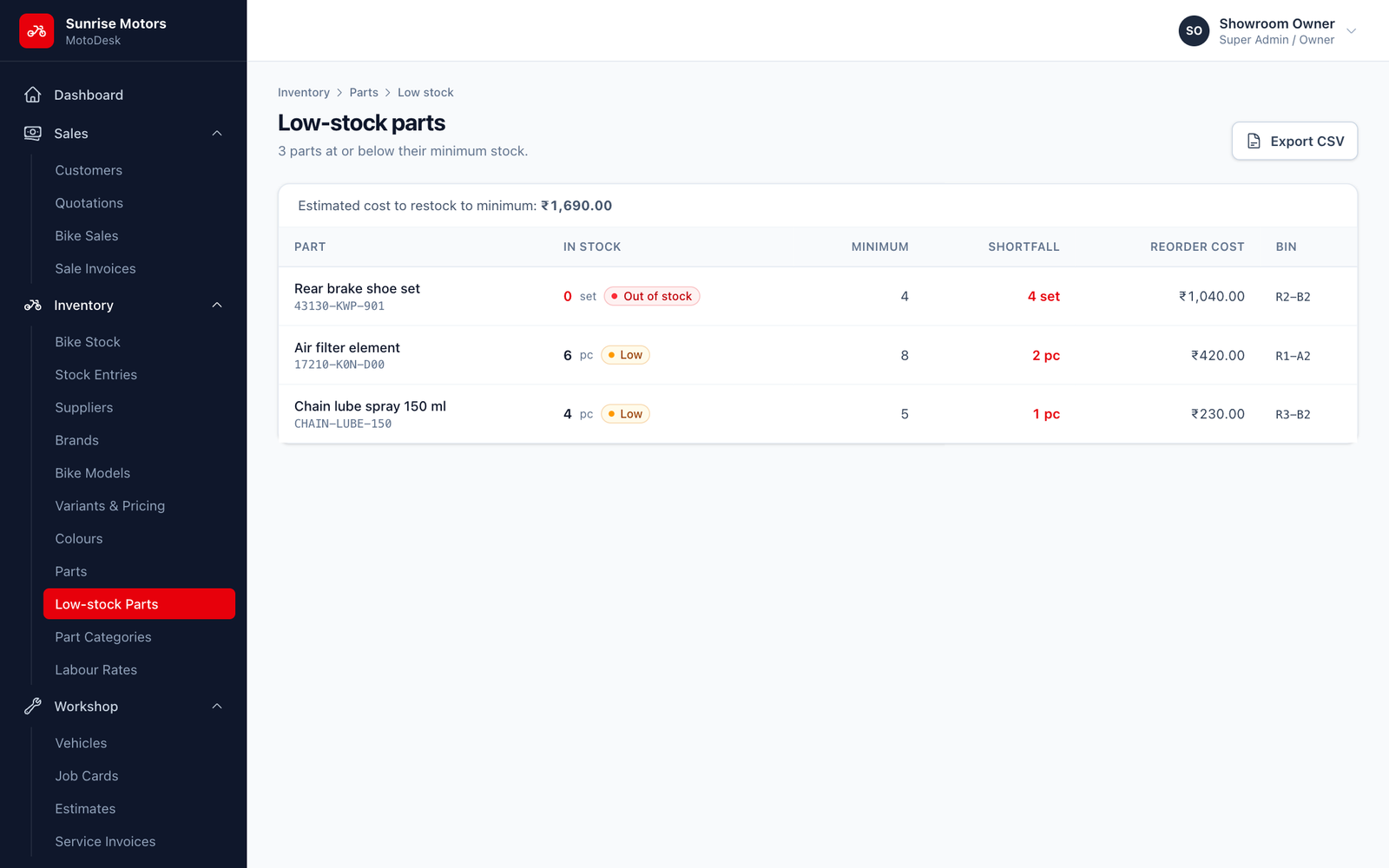
- Parts with zero stock are marked Out of stock; others are marked Low.
- Click Export CSV to download the list and open it in Excel or send it to your supplier.
- When everything is above minimum, you will see "All parts are above minimum stock".
The dashboard also shows the low-stock parts, and the same list is available as the Low-stock parts report.
Set a sensible Minimum stock for each part (for example, a week's usage of engine oil) so you are warned before you run out.