Variants & Pricing
- What is a variant?
- Adding a variant
- How the price breakdown works
- Changing prices
- Variant details & history
What is a variant?
A variant is the exact version of a model that you sell, for example Honda Shine Disc vs. Drum. Each variant has its own price, tax rate, specification and colours. When you receive bikes into stock, each bike belongs to a variant.
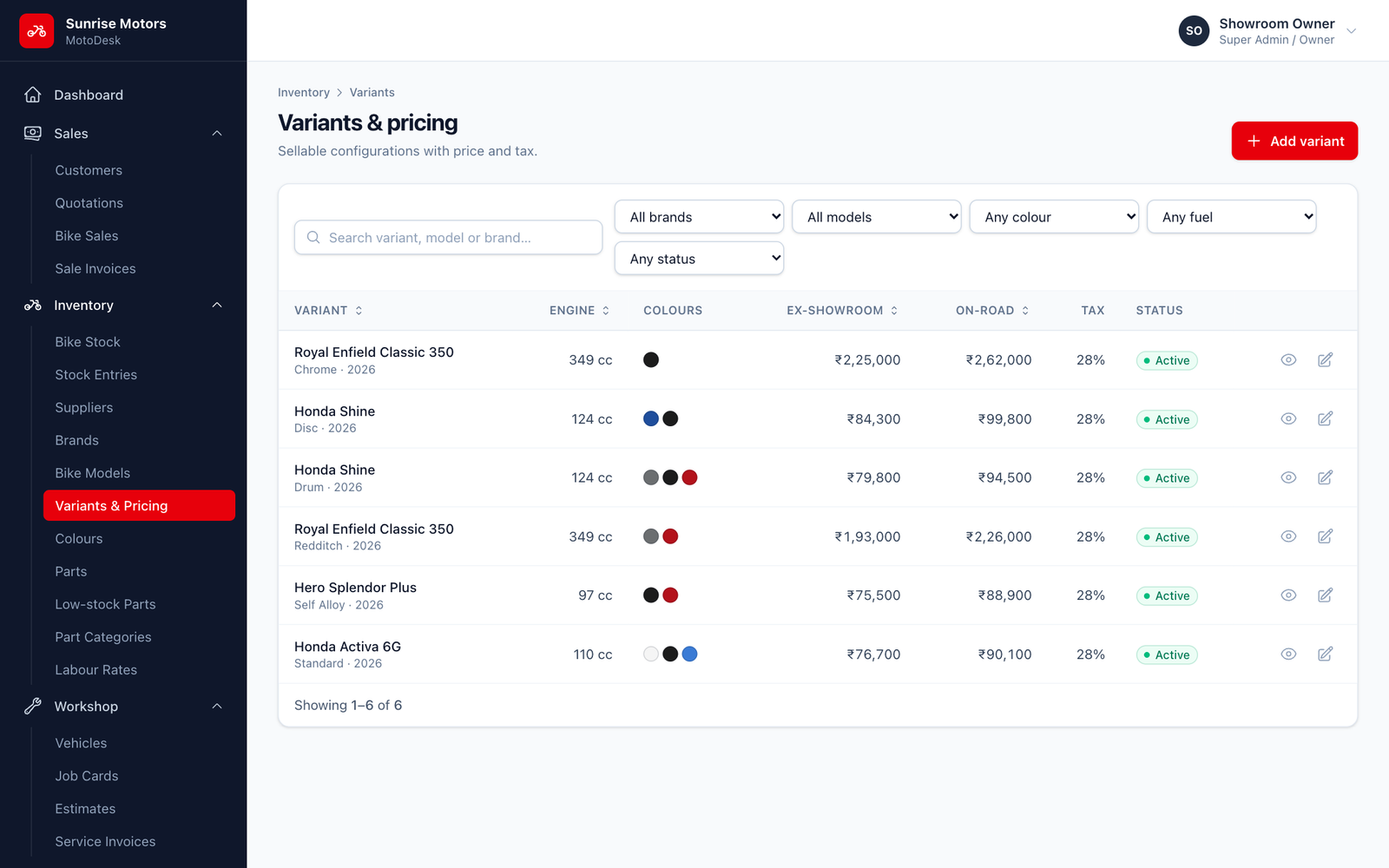
Open Inventory › Variants & Pricing. You can search and filter by brand, model, colour, fuel type and status.
Adding a variant
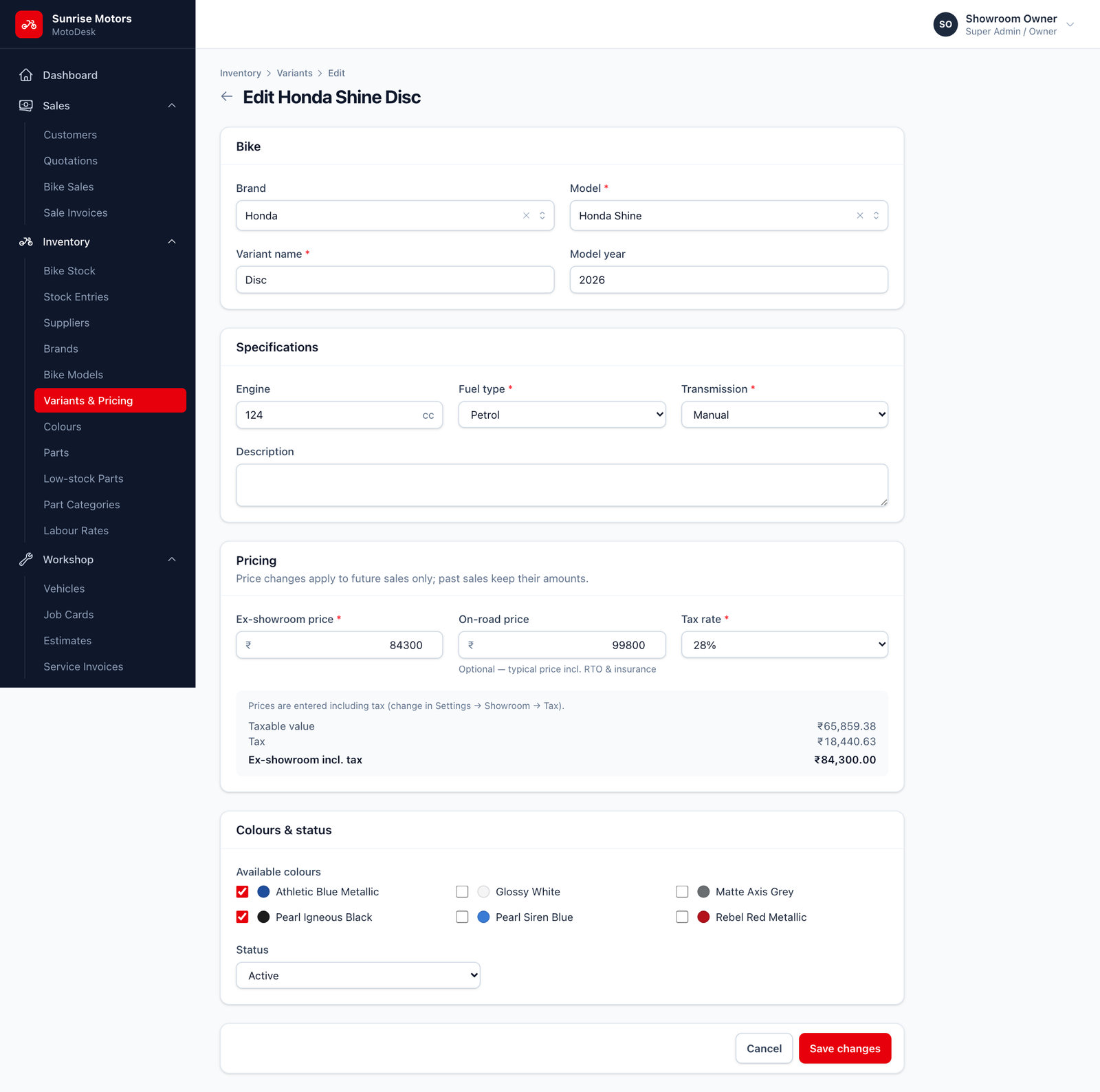
Click Add variant and fill in the form:
| Section | Field | What to enter |
|---|---|---|
| Bike | Brand, Model | Choose from your catalogue. |
| Variant name | For example Disc Brake or Standard. | |
| Model year | The model year, for example 2026. | |
| Specifications | Engine, Fuel type, Transmission | Fuel: Petrol, Electric, CNG or Hybrid. Transmission: Manual, Automatic / CVT or Semi-automatic. |
| Description | Optional notes. | |
| Pricing | Ex-showroom price | Your selling price before insurance and RTO. |
| Tax rate | The GST slab (bikes are usually 28%). | |
| On-road price | Optional. The typical price including RTO and insurance, for reference. | |
| Colours & status | Available colours | Tick every colour this variant comes in. |
| Status | Active or Inactive. |
Click Create variant.
How the price breakdown works
As you type the price, MotoDesk shows a live breakdown of taxable value, tax and ex-showroom including tax.
- If Prices include tax is on in Showroom Settings, the price you type already includes GST, and MotoDesk works out the taxable value from it.
- If it is off, GST is added on top of the price you type.
Changing prices
When the manufacturer changes prices, simply edit the variant and save the new price.
Price changes apply to future sales only. Sales already made keep their original amounts.
A bike already in stock keeps the selling price it was given when it was received. To change it, edit that bike on the Bike Stock page.
Variant details & history
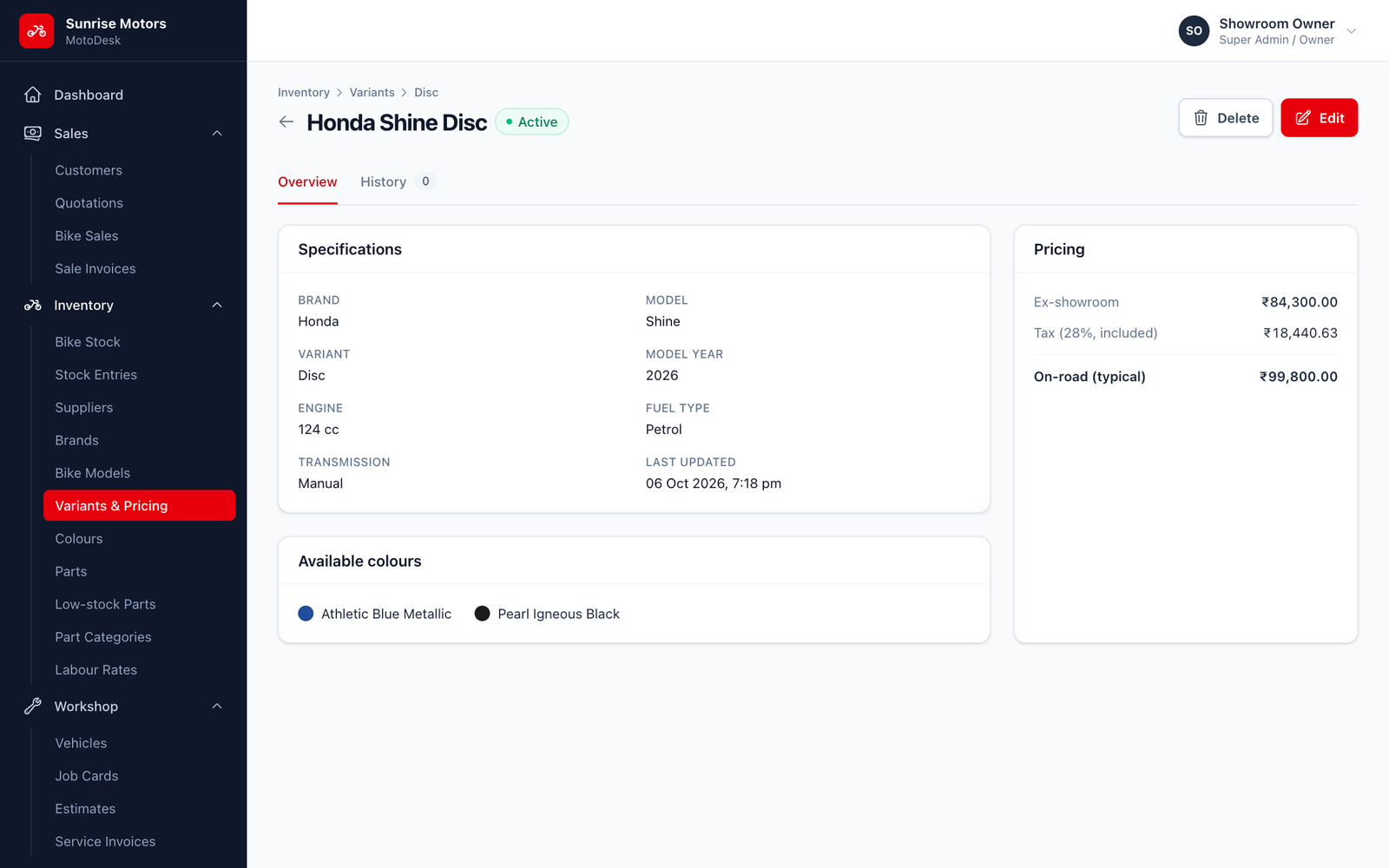
Click View on any variant to see its specifications, colours, pricing and a Change history showing every price or detail change, who made it and when.
A variant that has bikes in stock (or sold) cannot be deleted. Set it to Inactive instead.