Suppliers
Suppliers are the dealers and distributors you buy bikes from. You need at least one supplier before you can receive bikes.
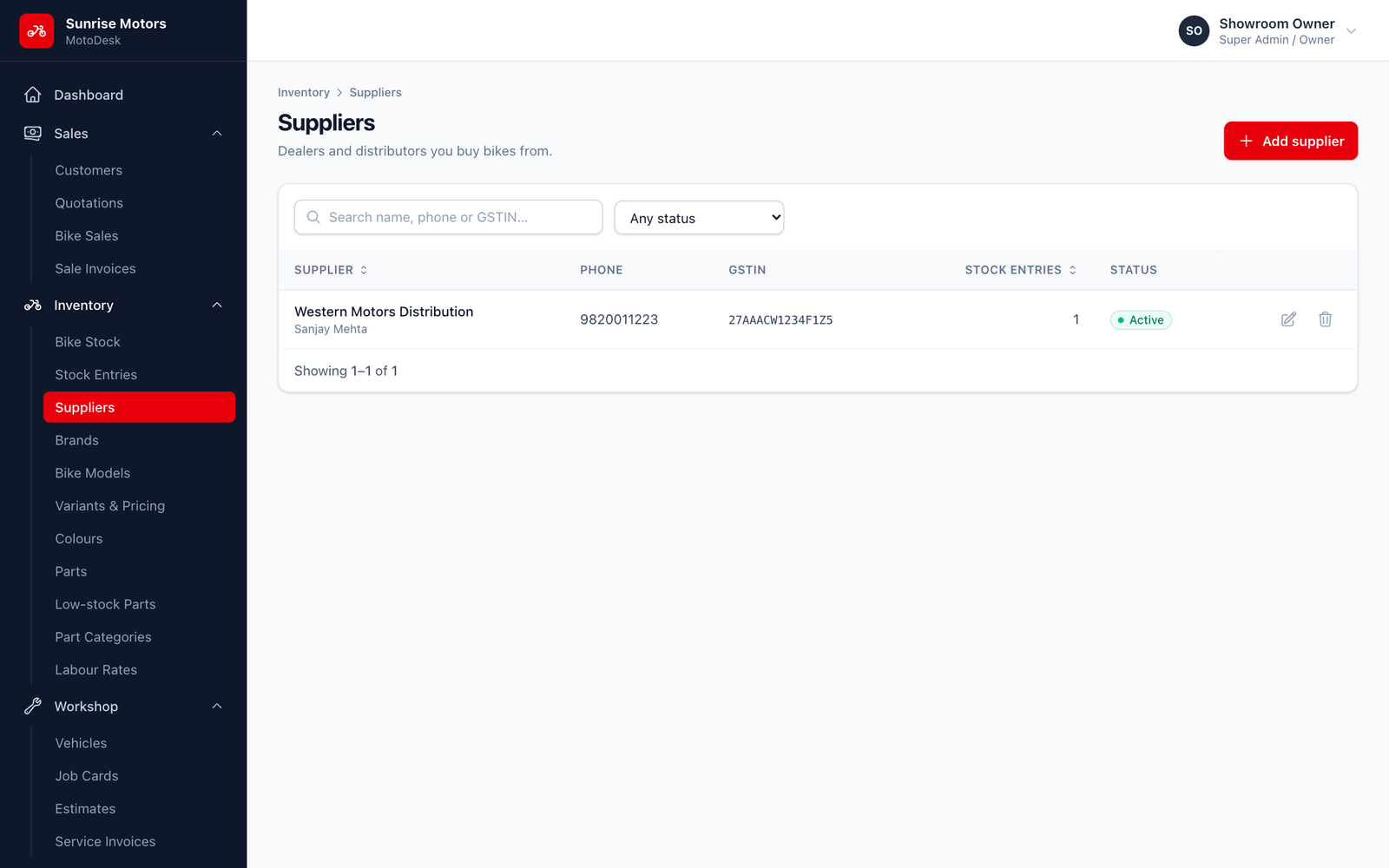
Open Inventory › Suppliers. You can search by name, phone or GSTIN.
Adding a supplier
- Click Add supplier.
- Fill in Supplier name, Contact person, Phone, Email, GSTIN and Address.
- Set Status to Active and click Save.
Rules
- A supplier that has stock entries cannot be deleted. Set it to Inactive if you no longer buy from them.
Who can use it: view with View inventory; add or change with Manage inventory & bike master.