Part Categories
Categories group your parts, for example Filters, Brakes, Electricals or Lubricants, for faster search and reporting.
Open Inventory › Part Categories, click Add category, enter the Category name, set the Status and click Save.
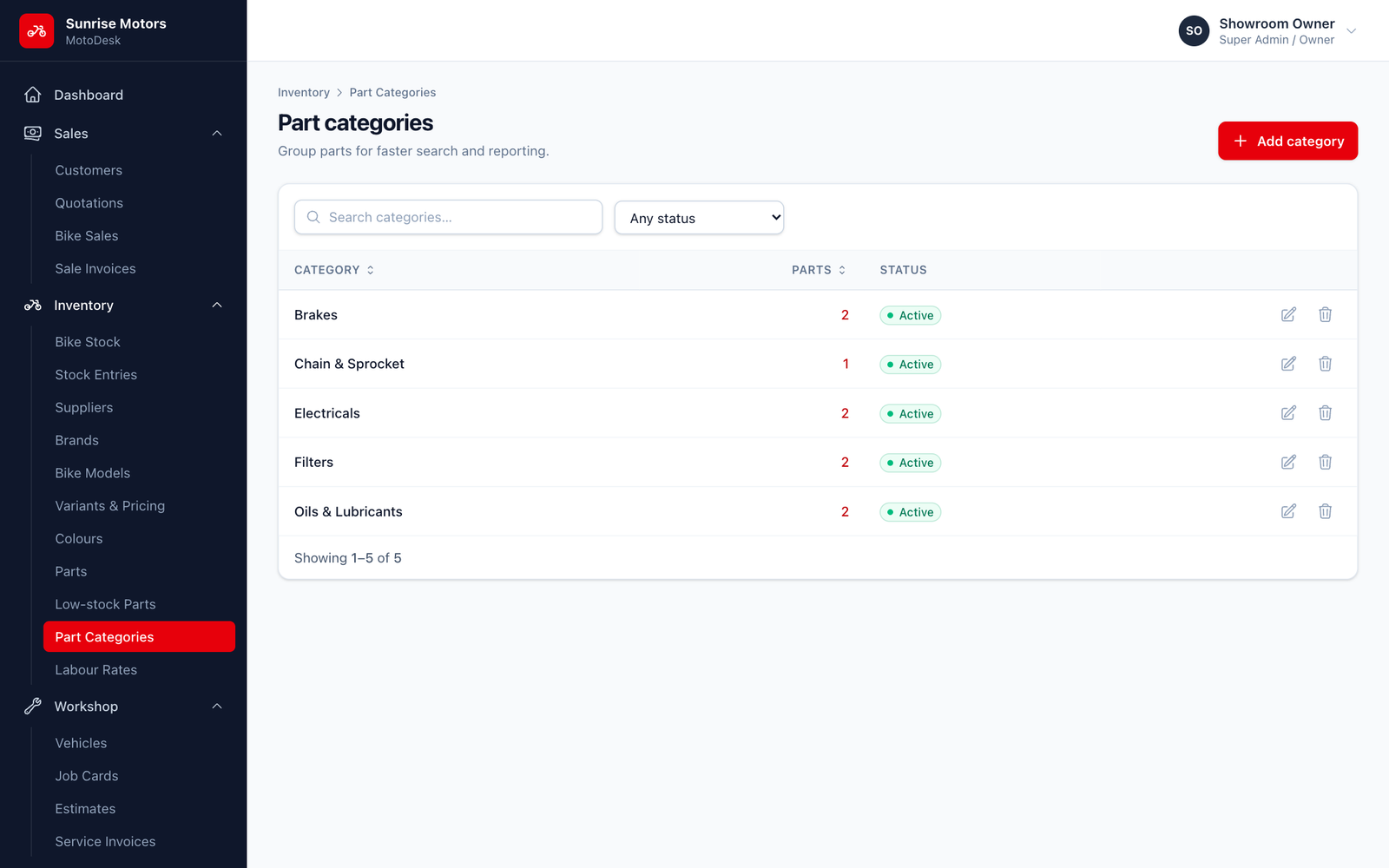
A category that has parts cannot be deleted. Move the parts to another category, or mark the category Inactive.
Who can use it: view with View parts & labour; change with Manage parts, labour & part stock.